
Panes, not windows
Agents, terminals, editors, diffs and a localhost browser preview are panes. Split them, stack them as tabs, float them, or tidy them into a grid.
RVGEBRAIN
Formerly RVGE CODE · Flagship
A Windows development environment built around AI coding agents. Run Claude Code, Codex and other CLI agents side by side, see at a glance which one needs you, review their edits in a real editor, and keep every session alive across restarts.
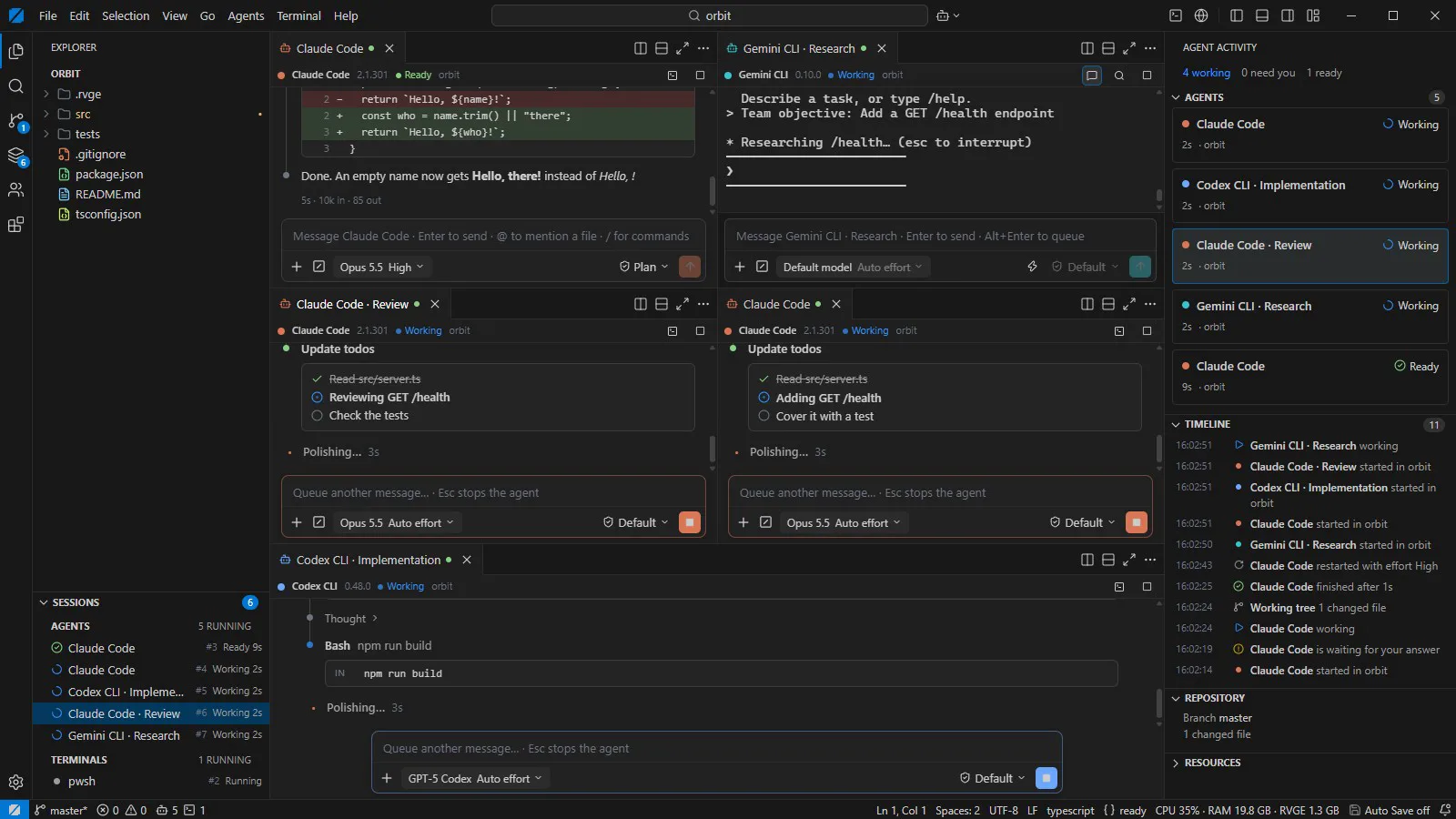
Before
A wall of terminal windows, and no idea which agent stopped to ask you something ten minutes ago.
With RVGEBRAIN
Every agent has one status: working, needs you, ready or idle. A notification arrives the moment one waits.
Before
You type a follow-up while the agent is still busy, and it lands in the middle of a dialog.
With RVGEBRAIN
The composer queues your message and types it only when that agent's own prompt is on screen.
Before
Edits scroll past in a terminal, and a restart takes every session with it.
With RVGEBRAIN
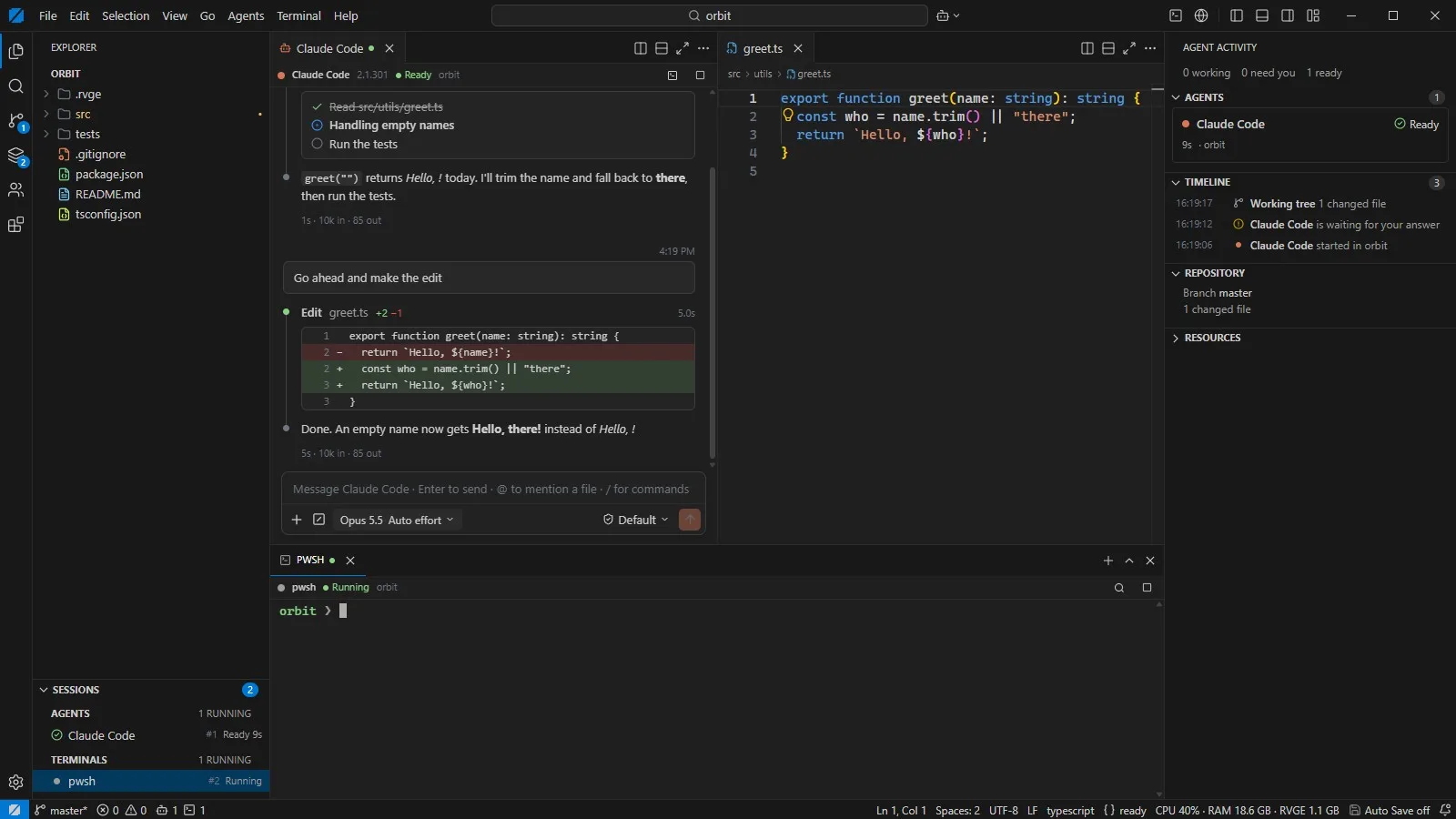
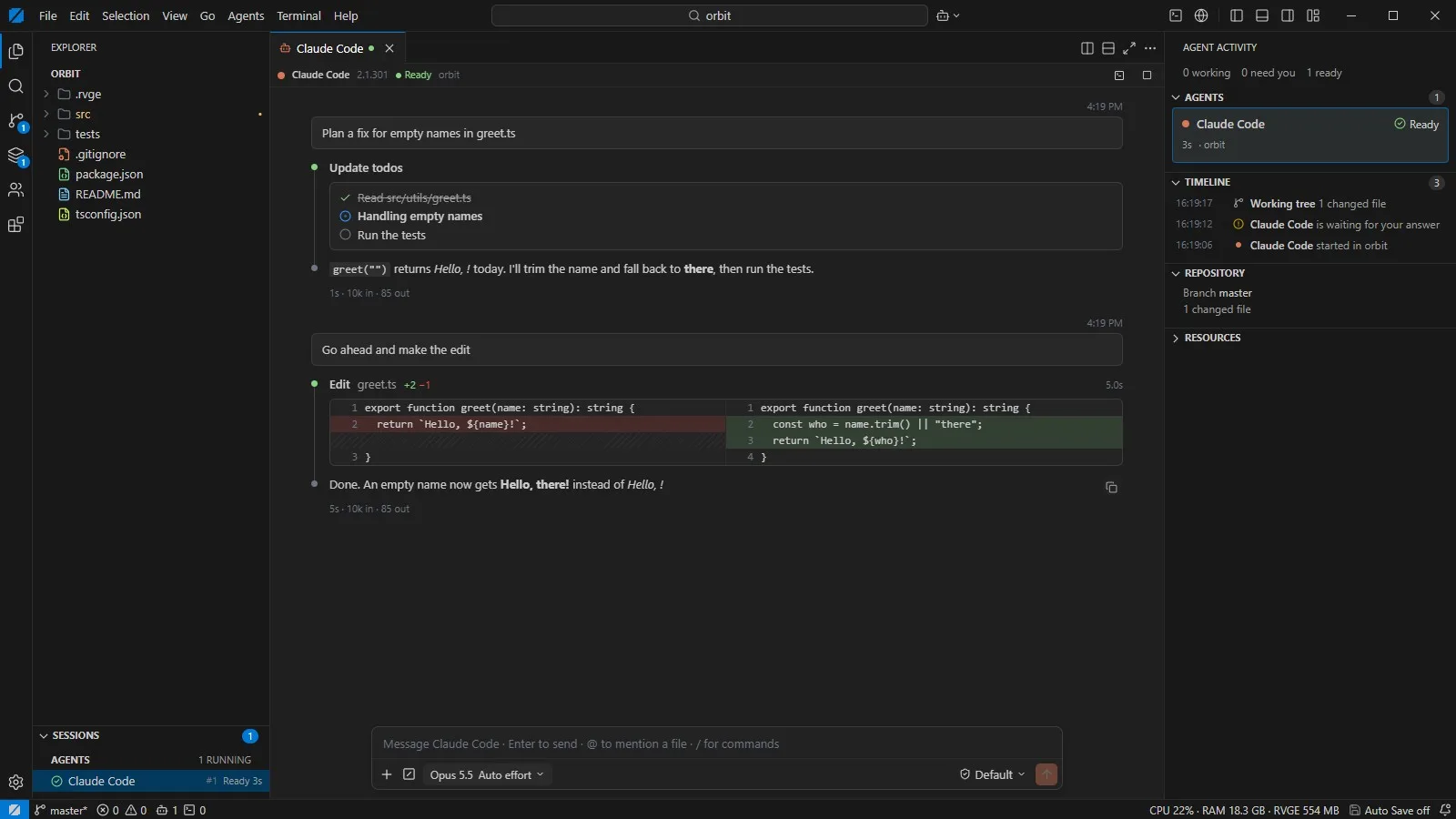
Diffs open in a real editor, permission requests come as cards, and sessions keep running and replay when you return.
Recorded from the 0.3.0 release build. The agents in the recording are scripted stand-ins, so the demo makes no model calls and every run looks the same. Versions shown inside the demo are part of that script.
RVGEBRAIN checks which agent CLIs are installed and signed in. It never reads their credentials, only whether they exist. Untrusted folders open in Restricted Mode.
Pick a preset, Solo, Pair, Trio or Workbench, choose an engine and a role for each pane, review, and launch them side by side.
Type into each agent’s composer, or start a Swarm with one shared objective. Messages wait in a queue until that agent’s prompt is ready for them.
The Agent Activity bar tells you which agent needs your answer. Permission requests and plans come as cards you approve or deny.
Read the diffs in the editor, run the terminal, commit from source control. With ULTRACODE on, your own test command decides when a task is done.
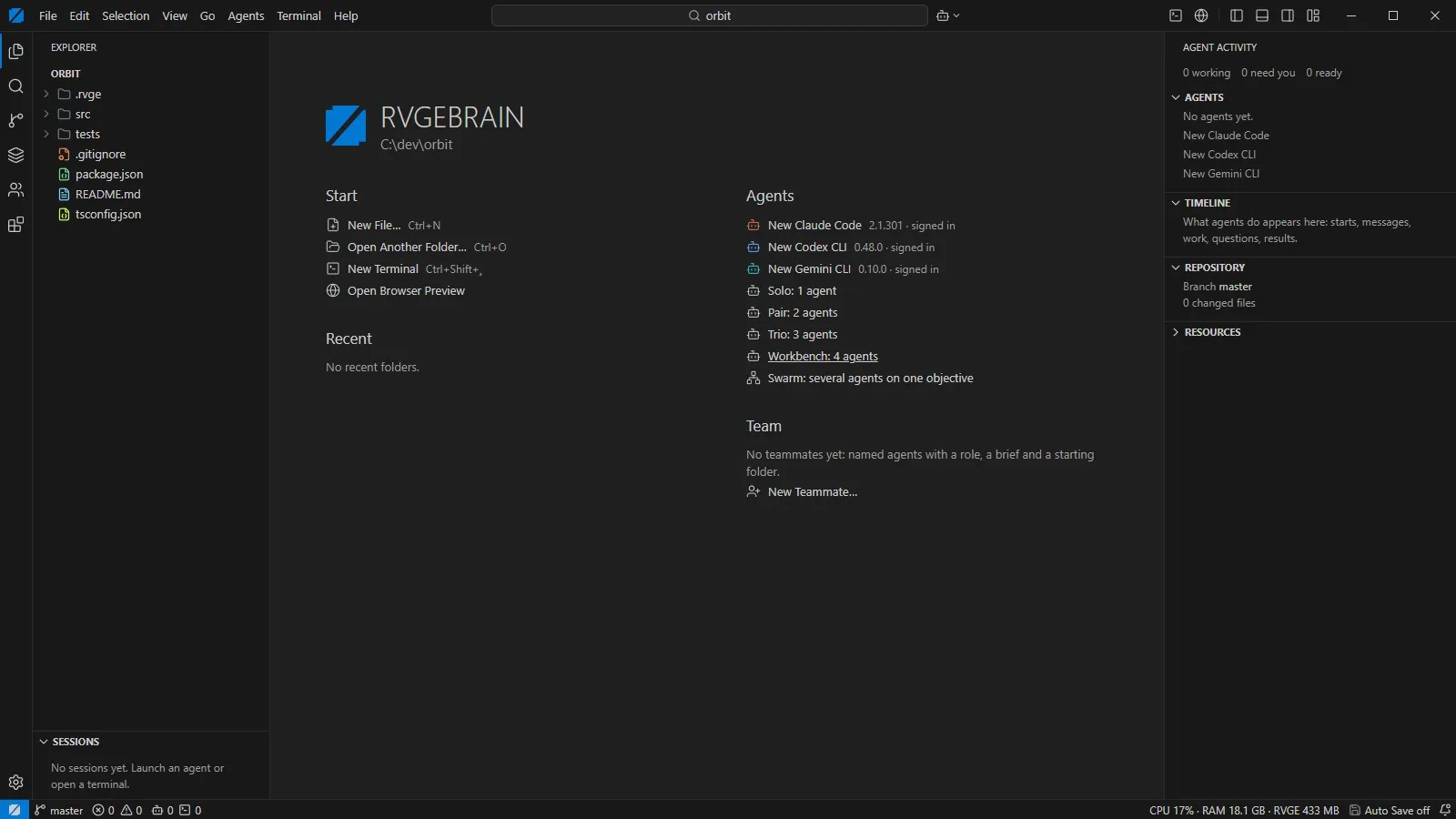
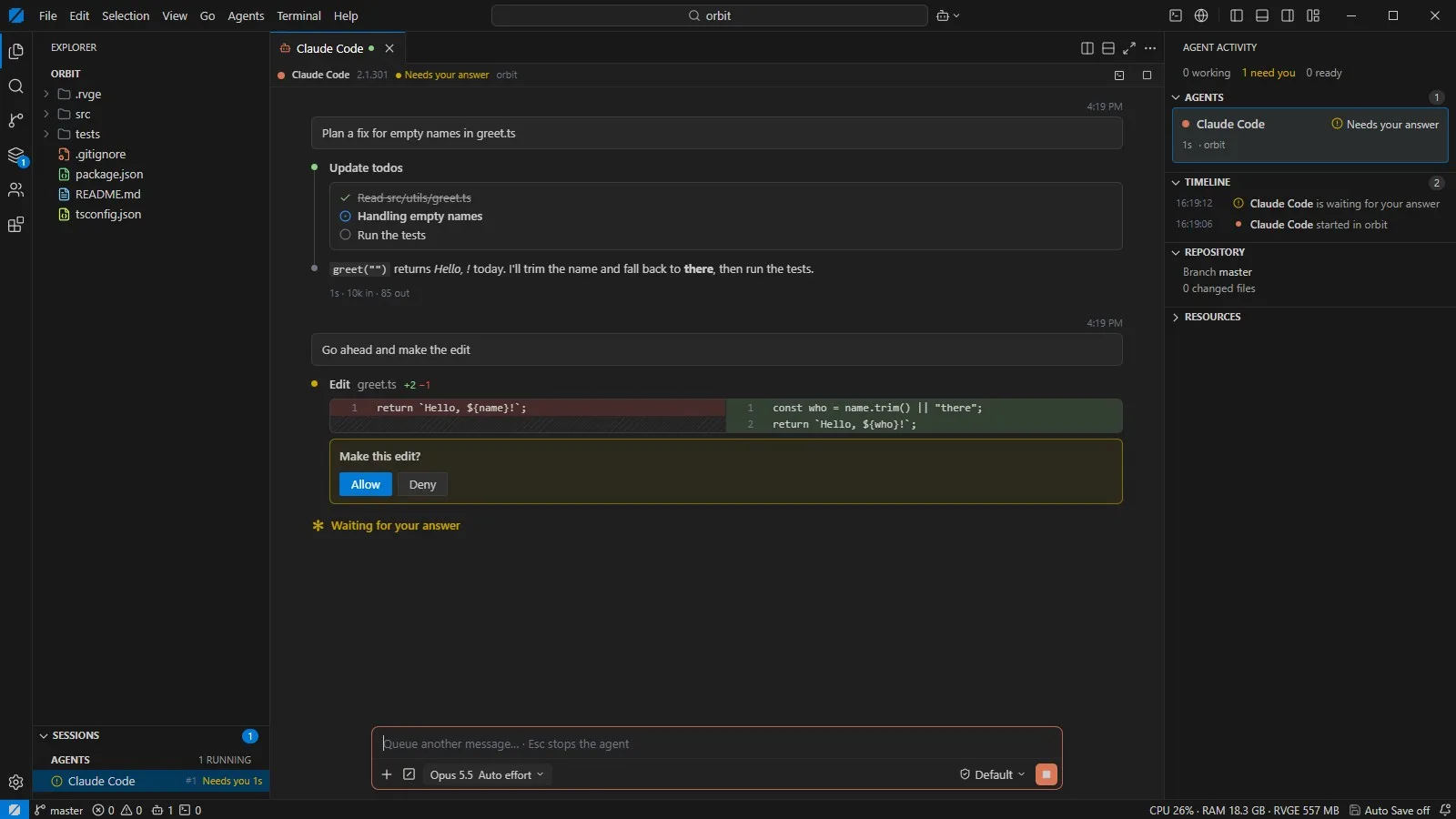
RVGEBRAIN detects which agents are installed and signed in, then launches them under your own subscriptions. Claude Code and Codex also run in a structured chat view; the rest run in the integrated terminal.
Product names belong to their owners. RVGEBRAIN is an independent application and is not affiliated with or endorsed by any of them. You need your own installation and account for each agent.
What you actually see and do when several agents work at once, and where the current limits are.
Agents, terminals, editors, diffs and a localhost browser preview are panes. Split them, stack them as tabs, float them, or tidy them into a grid.
Save named teammates, each with an engine, a role, a standing brief, a start folder and a model. Every launch is logged with its duration and exit code.
Several agents receive the same objective and are told who else is working on it. They share one folder today, so they work best on separate parts of a task.
One status per agent, working, needs you, ready or idle, plus a timeline of what happened and a notification when someone waits for you.
Send now, queue or interrupt with Esc. Mention files, attach the git diff or terminal output, and switch execution mode, effort or model per agent.
Wrap a task in a fixed procedure. When the agent finishes, your verification command runs, and failures go back as corrections for a set number of rounds.
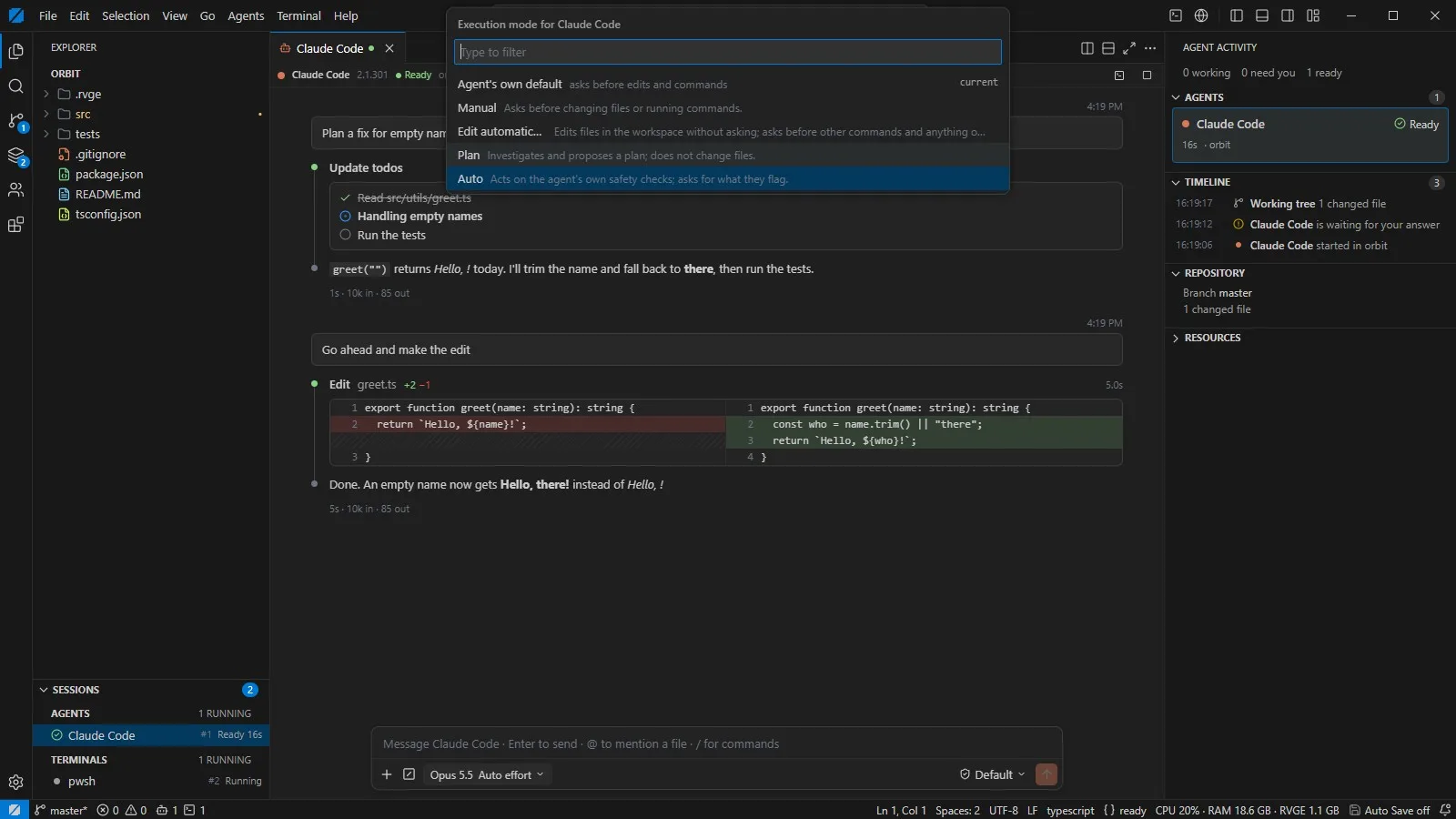
Every agent runs in a Windows ConPTY session owned by the backend. Sessions keep running in the background, replay their output when you come back, and stop as a whole process tree.
Plans, to-do lists, diffs and tool calls render as cards. Permission requests arrive as Allow, Always allow or Deny, and plan approvals get their own card.
The Agent Activity bar shows who is working, who needs your answer and who is ready, with a timeline and a notification the moment an agent waits for you.
Send now, queue or interrupt. The queue survives restarts, and text is typed into an agent only when its own prompt is on screen.
Save named teammates with an engine, a role and a standing brief. Launch presets from Solo to Workbench, or give several agents one shared objective.
When an agent says it is done, RVGEBRAIN runs your own verification command and sends failures back as corrections, round after round, until it passes or you stop it.
Monaco panes with autosave, diff view and external-change detection, plus language servers for TypeScript, Rust, Python, Go and C/C++ when they are installed.
Every file operation is checked against the open folder, junction escapes included. Untrusted folders open in Restricted Mode, without language servers.
Test counts come from the project's own test log, including work not yet committed on that date. Timing was measured on the development PC.
Works today
Missing before a public release
Next on the roadmap · no dates
RVGEBRAIN does not sandbox the agents. They run with your user rights, exactly as they would in your own terminal.
You bring the agents and your own subscriptions. RVGEBRAIN stores no API keys and contains no telemetry code.
Windows 10 and 11, x64 only.
Windows developers who already use Claude Code, Codex or other CLI agents and run more than one at a time.
If you already pay for Claude Code or Codex and find yourself managing agents instead of code, RVGEBRAIN is built for exactly that afternoon. If you use a single agent in an editor you love, you may not need it yet.
RVGEBRAIN · v0.3.0
RVGEBRAIN · v0.2.0
Not publicly. It is in private alpha. Ask for early access through the contact page and describe how you work with agents today.
No. RVGEBRAIN launches the agent CLIs you already have installed and signed in to, under your own subscriptions. It stores no API keys and sends nothing to RVGE.
No. It is its own application built on Tauri, Rust and React, with the Monaco editor at its core. It reads the look of VS Code where that helps, and it does not run VS Code extensions. Themes, snippets and grammars from Open VSX do work.
No. RVGEBRAIN controls what it does itself, every file operation is jailed to the open folder, but the agents run with your user rights, exactly as they do in your own terminal. Use their own permission modes.
RVGEBRAIN is the same product line. RVGE CODE was rebuilt from scratch in October 2026 and renamed when the agent workbench became the centre of it.
Not yet. RVGEBRAIN relies on Windows ConPTY and Job Objects today. Other platforms come after a stable Windows release.
No price has been set, and nothing is for sale before the company is registered. When a price exists it is published here with its anchor price.
RVGEBRAIN is in private alpha on Windows. Tell us which agents you use and how many at once, and we will be in touch when access opens.